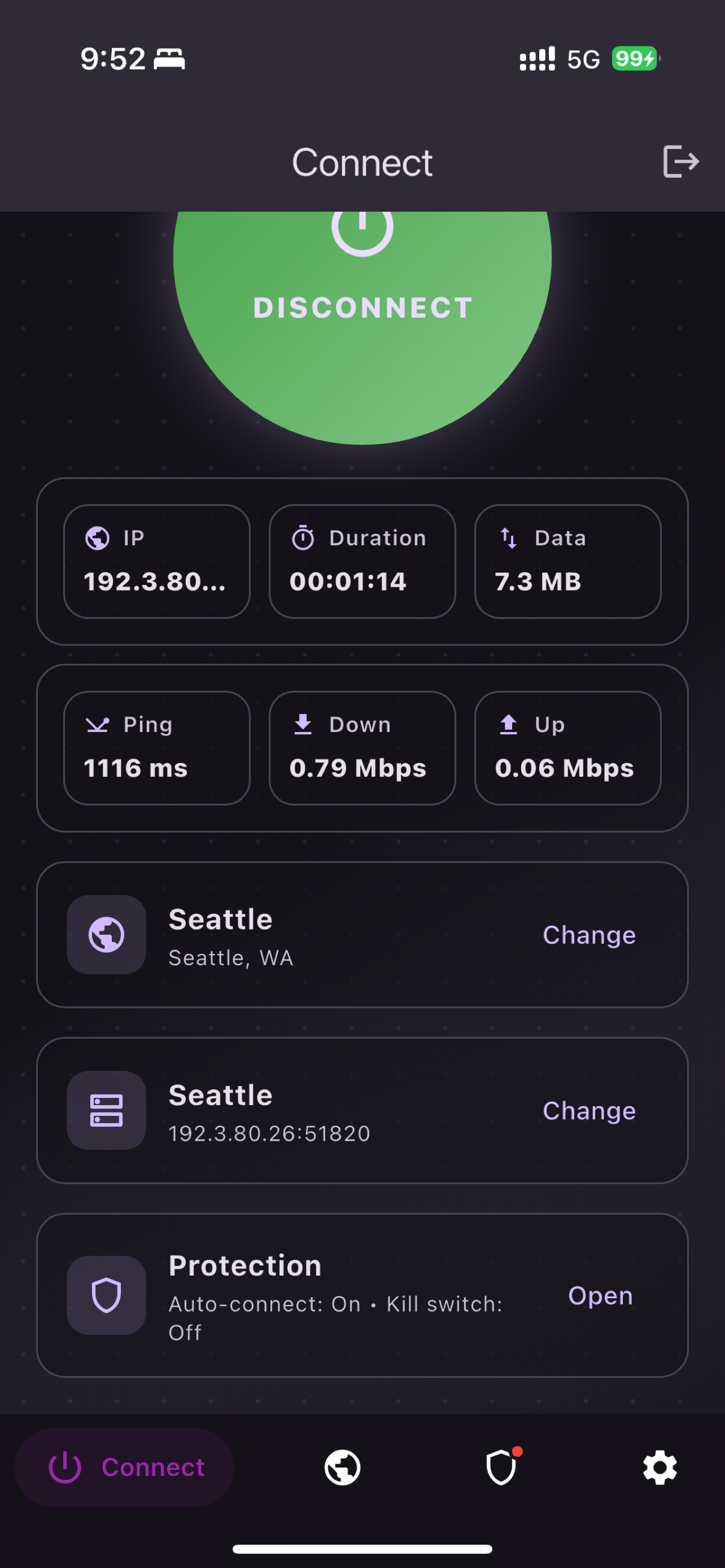
One-tap connection
Open OwletVPN, choose a location, and start a protected tunnel from one clear control.
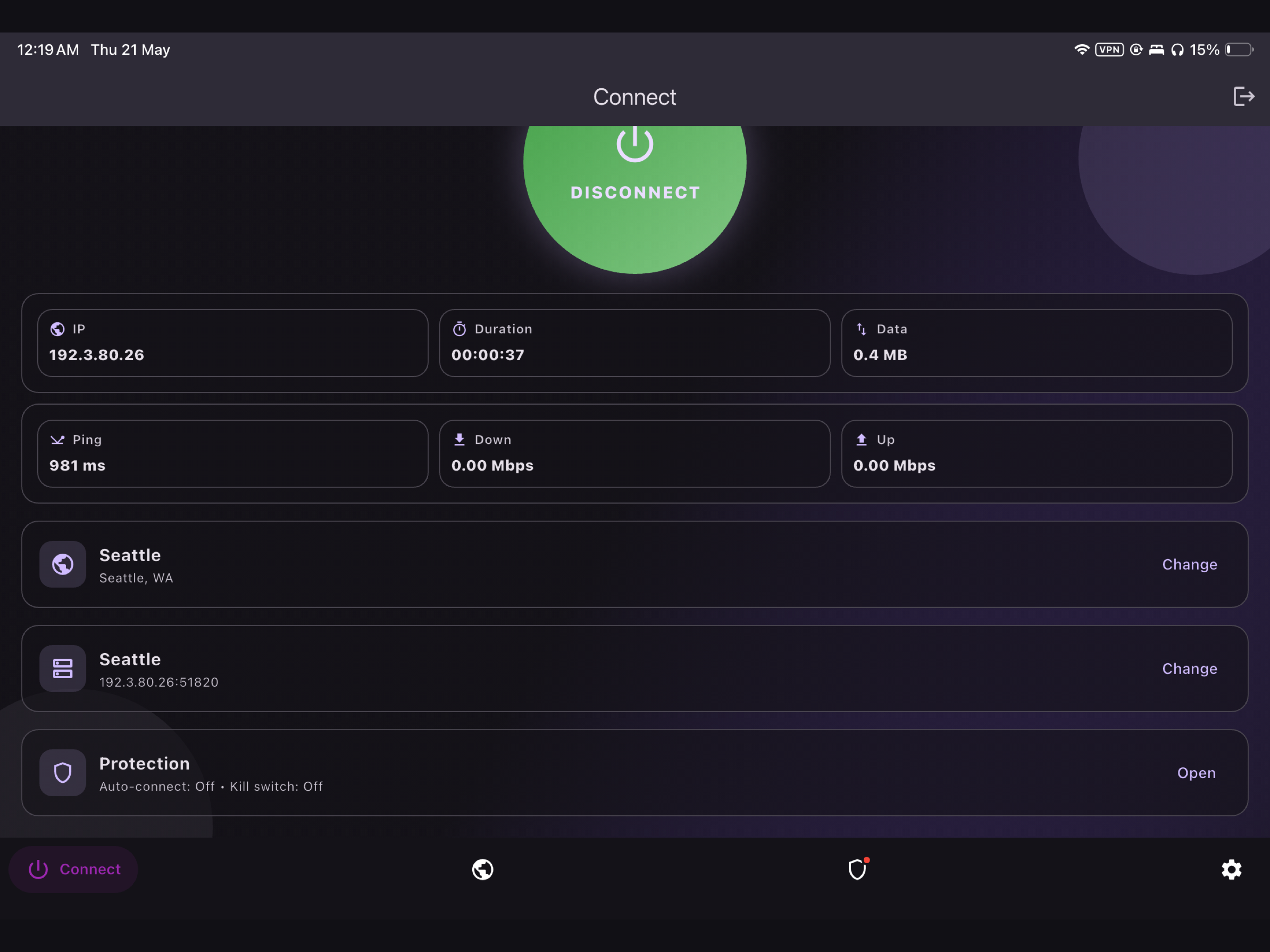
A clean VPN for iPhone, iPad, and Android with one-tap connection, automatic server selection, and clear protection controls.
Protocol
WireGuard
Sign-in
Email OTP
Routing
Auto or manual
Product
OwletVPN keeps the important details visible: connection state, selected location, active server, session duration, data use, and protection controls.
Open OwletVPN, choose a location, and start a protected tunnel from one clear control.
Automatic mode selects an available server for your selected location, with manual control when you need it.
Connection status, VPN location, device details, and protection settings stay easy to scan.
Sign in with an email one-time code, then manage devices and subscription access from the app.
Screenshots
The interface uses the same dark surfaces, lavender controls, and green connected state across the core app flows.
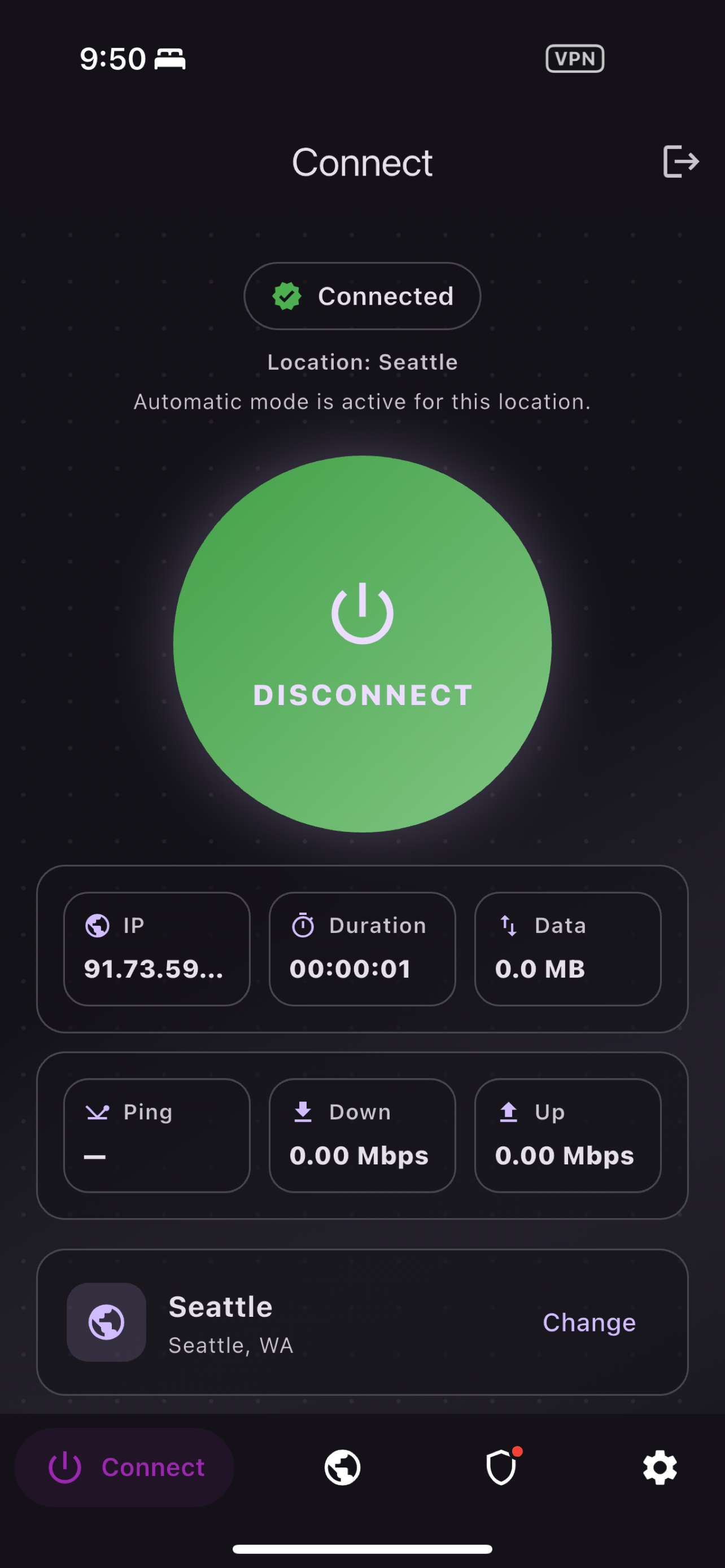
Live VPN status with location, session duration, and data.
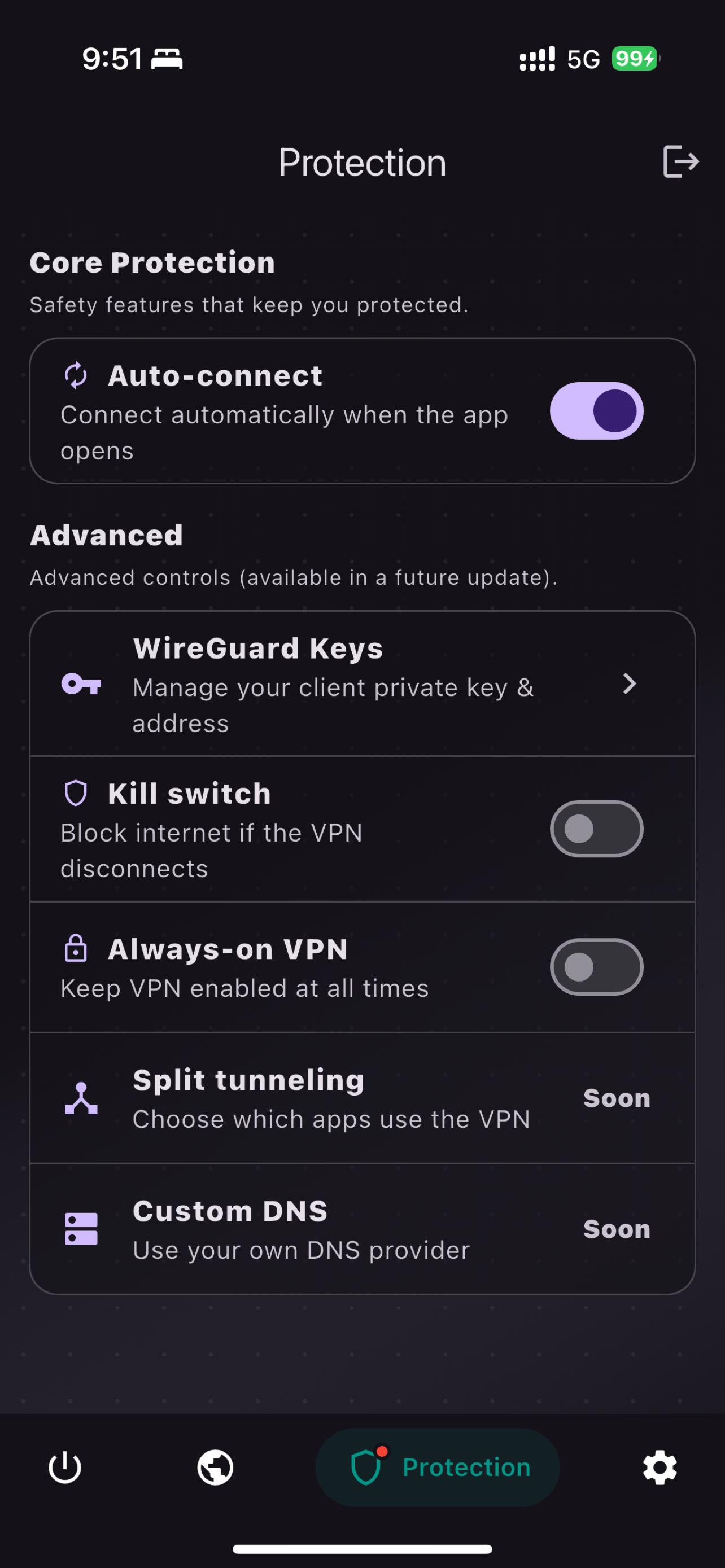
Auto-connect, kill switch, and WireGuard key controls.
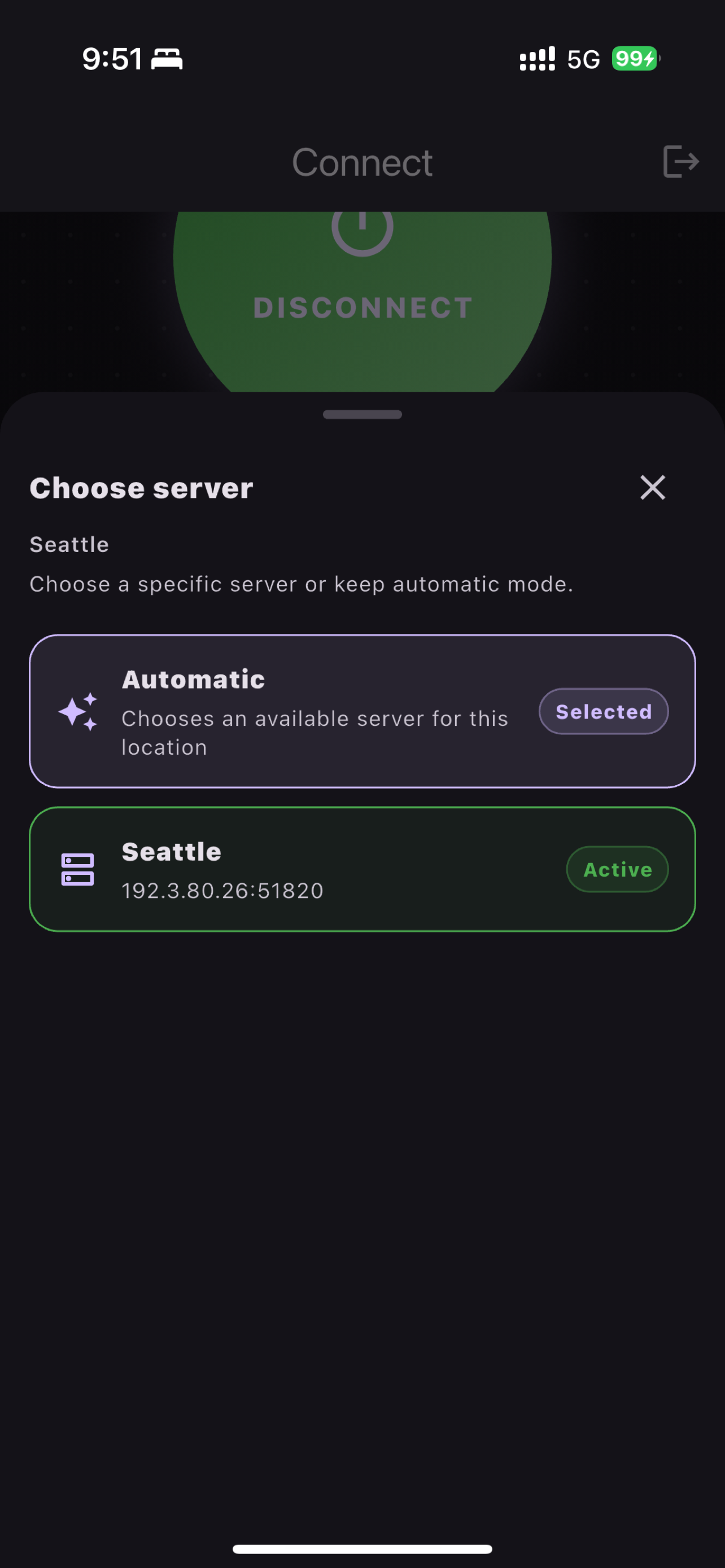
Keep automatic routing or choose an active server directly.
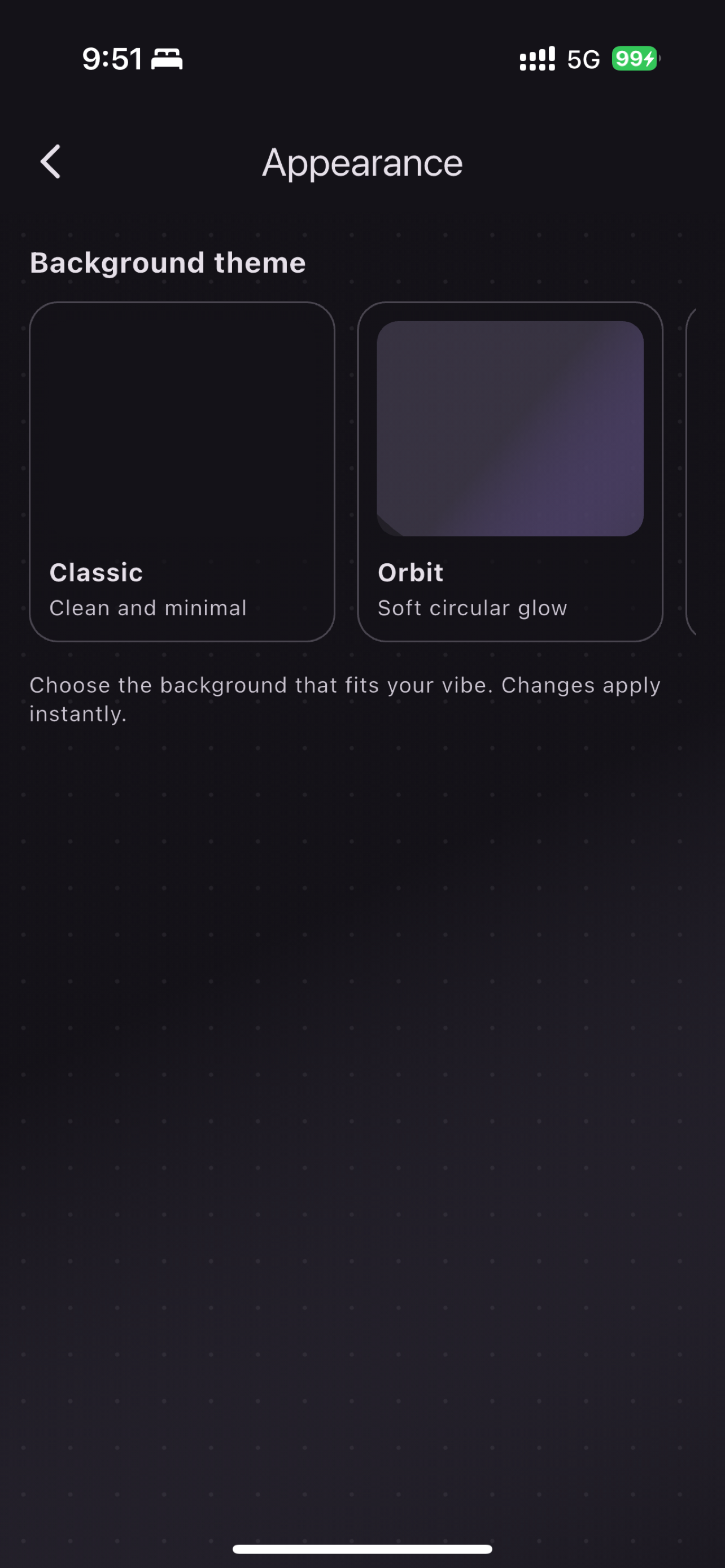
Background themes that match the app's calm dark interface.
Privacy and trust
OwletVPN uses email OTP sign-in, device provisioning, and subscription entitlement checks to provide the VPN service. The privacy policy explains those practices directly.
No password to manage
Email one-time codes handle sign-in.
VPN server location
The location shown is the VPN server you choose.
Subscription access
Apple and RevenueCat entitlements unlock paid access.
Support ready
Account, device, and connection help lives at /support.
Availability
Start with the App Store listing, or use support if you need help with account access, subscriptions, devices, or VPN connection issues.